

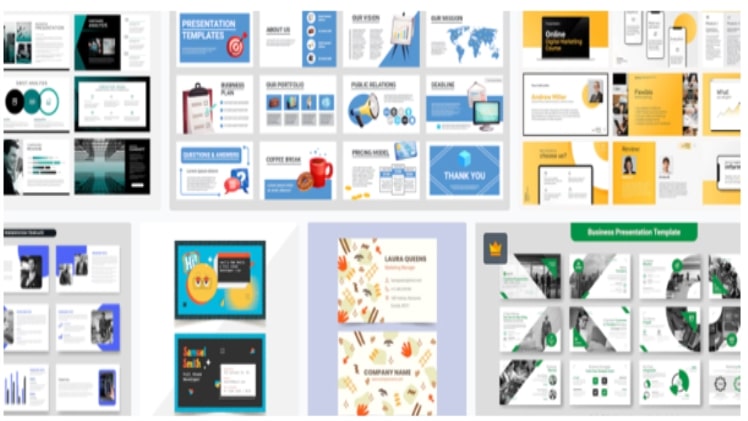
Making a presentation that impresses can be an arduous task. Presentations can be used for several purposes, they can be used to present a topic in school, to propose a solution at the office, to present your business idea to potential investors, and even to explain a topic for a video.
In any of these situations, steaks are high and you want your presentation to leave a mark. Presentations are highly recommended because they make understanding the point easy for the audience, as they contain relevant pictures and important headings that you want your listeners to remember.
Here are a few tricks that can make your presentation more fun to watch:
Use Text Animation
Text animations can make your words come to life. It can be of great help while presenting bullet points, as it keeps the slide clean till the next point comes. Use classy Text animations rather than the fancier ones as the cleaner and classier your slide looks the more attention it brings to the material being presented.
Use PNG Rather Than JPG’s
Using relevant images is an essential part of making a presentation. Using a png rather than a jpg image will make the image look like a part of the presentation, as its background is the slide. It also gives a more polished look to the slides.
You can also use a photo and cut it creatively. For instance, take a photo relevant to your topic and cut it in an interesting shape like in the shape of a brushstroke or squiggly line.

Use a Color Scheme
A presentation with simple black and white default settings might appear okay but it won’t catch the attention of your audience. Using a color scheme can help give your slides a refreshing look. Using a color scheme can make the whole presentation look coordinated.
You can use websites that generate color schemes for you and then use those as references. Using colors that represent your topic well can also be a big plus. For example, use green and brown for nature-related presentations. Moreover, do not use sharp colors rather use pastels or muted colors.
Muted colors can give a touch of elegance to your work and make it look more professional. If you think color schemes are difficult for you to understand, use a monochrome palette, which means the same color in different shades. It will help unify the theme.
Use Gifs and Videos
A still presentation can be quite boring for its audience. To give your presentation life, put gifs and videos in it. Videos and Gifs are very useful in making the content interesting as they express and convey information for you.
A short video break in the middle of your presentation might help increase the attention span of your audience. Make sure the video is short and not too long as it can also derail your presentation. You must be careful with using gifs and videos as one might overdo it without even realizing it.
Remember these tools are to help you present your content better; they are supporting roles not the protagonist of your presentation.
Use Recorded Audio
If you are making a presentation that has to travel a lot or if it is for a YouTube video, you can use recorded audio to make the presentation memorable and unique.
Not everyone is confident with their recorded voice and you may not have all the necessary equipment to record a good quality voice in which case you may use a robotic voice to help you. You can use apps that read and record to help you do that too. This can also make you less worried about messing up the presentation at the last moment.
Use Minimalism
There’s nothing more distracting in a presentation than an overcrowded slide. You do not have to put everything on the presentation, you can memorize the information and use slides for main points or statistics.
Use one item of animation or picture per page and make a bold heading on top. Use minimalism with a stylistic theme.
Transition Technique
Going from one slide to the next, add a transition so that it might look appealing to the spectator. Do not use different transitions on different slides rather use the same transition on all the slides so that the spectator can adjust to it, and it does not boggle the mind.
Make the text animation in sync with the transition of the slides. For Example, if the transition is vertically upwards making the text go in the same direction. It will look aesthetically pleasing.
Use Isometric Illustrations
If you are opting for a more modern look in your presentation, you can use isometric illustrations in your slides. These are vector drawings that give your presentation a minimalistic, modern, and fun look.
You can look online and download isometric illustrations or can create one on Adobe illustrator.
Add Background Music
Presentations do not have to be bland; you can use appropriate music to create the environment for your information. Use instrumental music because music with lyrics in it can cause distraction.
For Example, if you have to present the history of the United States in a presentation, put a patriotic beat in the background to help create the moment. Music makes things memorable. A 2014 research suggests that using upbeat background music can enhance cognition and benefits memory in adults.
Use Timelines
Timelines give a more organized look to your presentation. You can use timelines to present a plan or you can use them as a tool to go through headings or main points of your presentation. This will help in making your audience aware of what they should expect in the coming slides.
Using timelines can make you look more intelligent and prepared than your competitors. Use infographics or pictures with the bullets of a timeline to give it a more interesting look.
All these tips will make your presentation stand out but do not depend on all of these more than you should, your confidence is the key to presenting your points better. Make sure you look polished along with your slides to make an impact.
